
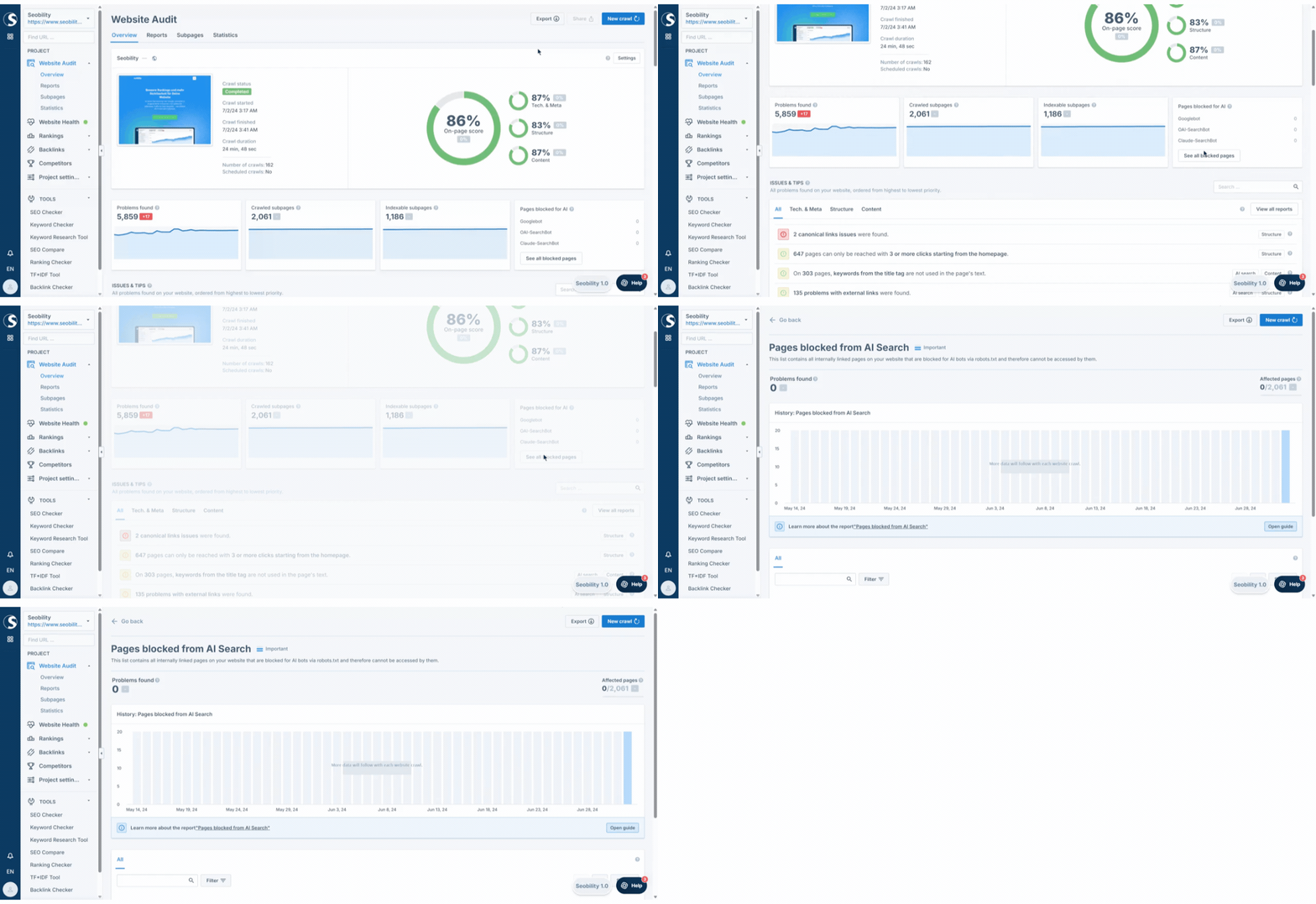
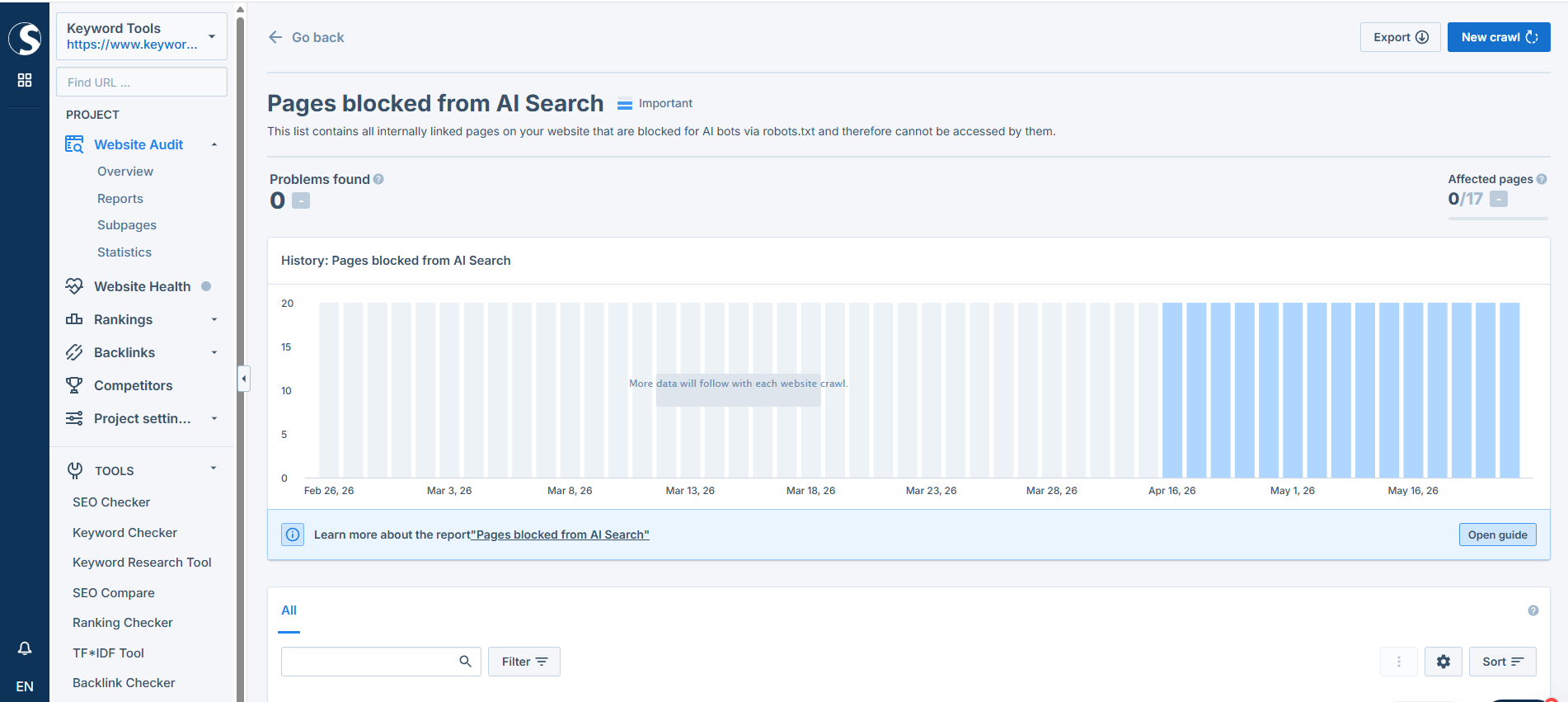
Pages blocked from AI Search
This report lists internally linked pages on your website that are blocked from AI bots via your robots.txt file. As a result, these pages cannot be accessed by AI search engines such as ChatGPT, Perplexity, or Claude.
Why AI bot accessibility matters
The way people search the internet is changing. More and more users turn to AI chat interfaces like ChatGPT, Perplexity, or Claude to find information. If your pages are blocked from these AI bots, your content cannot be cited as a source in their answers, which means lost traffic and brand visibility.
Making sure that important pages are accessible to AI search bots is a key part of Answer Engine Optimization (AEO) and helps your website claim its spot in AI-generated answers.
Which bots are checked in this report
The report focuses on bots that drive AI search indexing and fetching:
- AI Search bots: OAI-SearchBot (ChatGPT Search), PerplexityBot (Perplexity AI), Claude-SearchBot (Anthropic Search), DeepSeek-AI (DeepSeek Search), Luminous-Bot (Aleph Alpha), Mistral-Search (Mistral AI), BraveBot (Brave Search Leo), and YouBot (You.com). These crawl and index pages for AI search engines.
- On-Demand Fetchers: ChatGPT-User, Claude-User, and Perplexity-User. These fetch a specific URL when a user pastes a link into the chat and asks the AI to read or summarize it.
- Traditional Search bots: Googlebot and bingbot. These also power AI features such as Google AI Overviews and Microsoft Copilot.
AI training bots (such as GPTBot) are not included in this report. The focus is on bots that drive search visibility, citations, and traffic, not on those that scrape content for model training.
What the information in this list means
The URL column shows pages that are blocked from at least one of the bots above. The "Blocked Bot / Agent" column lists each bot that is blocked from accessing this URL by your current robots.txt rules.
How to fix blocked pages
- Use the "Blocked Bot / Agent" column (and the filter, if needed) to identify which bots are blocked from which pages.
- Open your robots.txt file (usually located at yourdomain.com/robots.txt) and review the rules for the affected user agents.
- Adjust the rules so the bots you want to be visible to can access the relevant pages.
- Run a new crawl to verify the changes.
When blocking is intentional
Not every blocked page is necessarily a problem. You might want to block certain bots on purpose, for example, if you don't want a specific AI service to access your content. Use this report to spot unintentional blocks and decide page by page which bots should have access.
For more information on how to configure your robots.txt file, see the Seobility wiki.